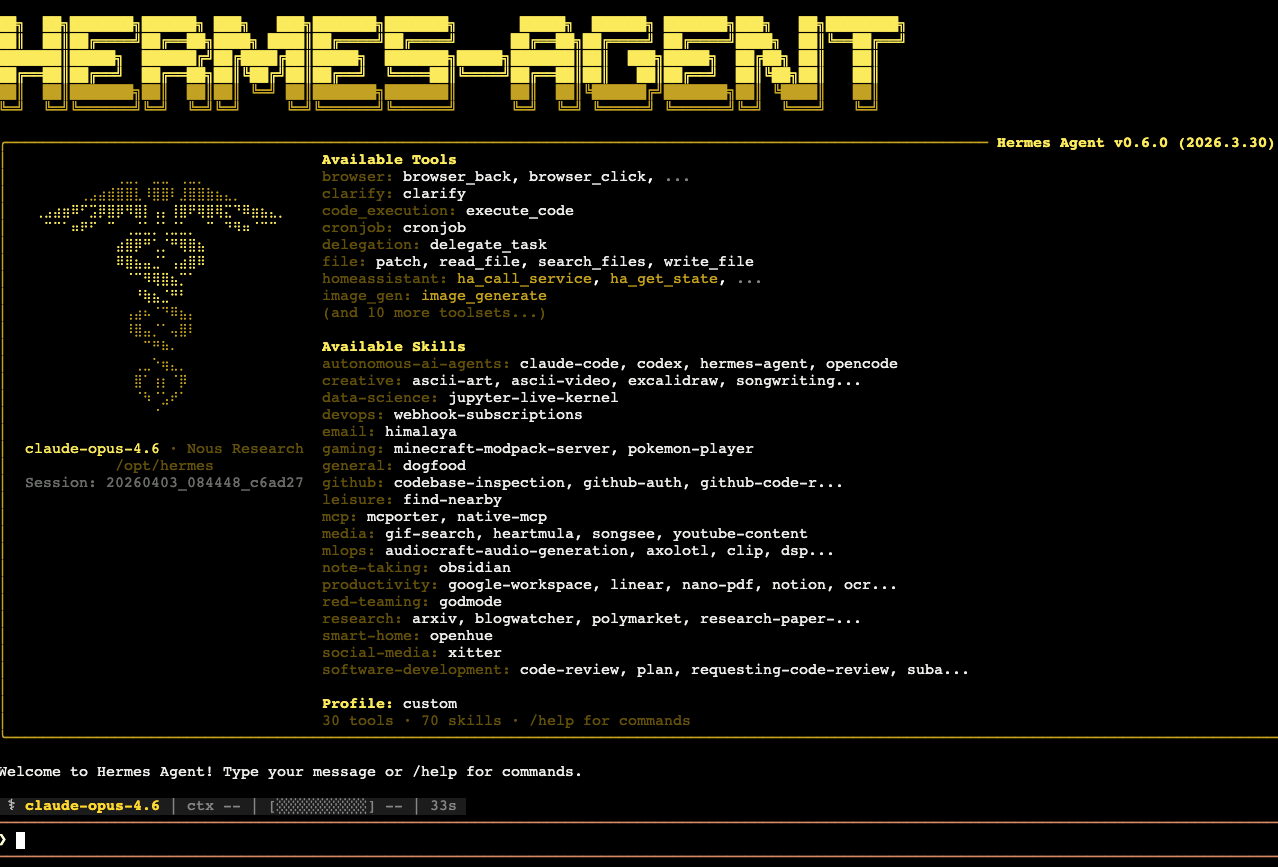
I spent 3 weekends setting up Hermes workflow
Here is what I learned.
For context, Hermes is similar to OpenClaw or other coding frameworks where you can set up multiple agents. If you are using Hermes without multi-profile support, you are missing a major capability it can offer.
I started with two must-have requirements:
- It had to run on Docker Compose so I could use it with my VPS and Dokploy setup.
- I wanted to manage multi-profile agents through Git so I could track my changes and preserve Hermes-generated notes.
There was a lot of trial and error along the way. Most of the time, the issue came down to not reading the fine print in the docs carefully enough, then going back to re-read and implement things the way they were actually intended.
Multi-profile with a single Telegram channel
Technically, this is not possible. If you try to run multiple profiles at the same time, you will hit a conflict error when starting the gateway.
My workaround was to lean on the fine print and make sure only one profile runs at a time. To switch profiles through Telegram, I created a /switch_profile command.
---
name: profile-switch
description: Switch hermes agent profile.
version: 1.0.0
---

Execute immediately without asking any questions. Pass {args} as-is to the script, even if empty.

`! bash "/opt/scripts/utils-profile-switch.sh" {args}`
Under the hood, it overwrites the HERMES_HOME directory and restarts the Docker container. After that, I call /restart so Hermes comes back up with the new profile.
#!/usr/bin/env bash
set -uo pipefail

PROFILE_FILE="/home/hermes/.agents/profile.txt"
PROFILES_DIR="/home/hermes/.hermes/profiles"

if [[ "$input" == "default" ]]; then
  target="/home/hermes/.hermes"
elif [[ "$input" == /* ]]; then
  target="$input"
else
  target="$PROFILES_DIR/$input"
fi

if [[ ! -d "$target" ]]; then
  echo "Directory '$target' does not exist.";
  exit 1
fi

echo -n "$target" > "$PROFILE_FILE"
echo "Switched to: $(cat "$PROFILE_FILE")"
echo "Run /restart to apply."
It was a simple idea, at least. I managed to keep things lean by using a single Telegram channel and consuming fewer runtime resources on my small VPS — instead of running multiple profile chat gateway. Still, I do not think this approach will scale well in the long run.
Using Hermes distributions to set up profiles
I learned this the hard way. At first, I thought I could create a profile directly inside the ~/.hermes/profiles folder just by following the file structure. That turned out to be the wrong approach.
It looked like it worked at first, and technically it did in some cases, but it was not the correct setup. This became obvious when the main gateway channel was anything other than the hermes chat CLI.
I suspect running hermes -p <profile> chat helps initialize missing structure. But when I tried switching profiles from Telegram, it failed. That was the point when I realized my setup was wrong. Noticing that the other folders such as sessions, logs, etc were not created.
Using distributions is the proper way to do it. With distributions, you can export or even share your setup as an agent that other people can clone and use themselves.
Differentiating between global and profile skills
In this kind of agentic system, skills are one of the most useful feature you can use. And knowing where to use and keep them give you a lot of leverage in scaling the skills for all your agents or scoping them to just the specific profile.
# =============================================================================
# Skills Configuration
# =============================================================================
# Skills are reusable procedures the agent can load and follow. The agent can
# also create new skills after completing complex tasks.
#
skills:
  # Nudge the agent to create skills after complex tasks.
  # Every N tool-calling iterations, remind the model to consider saving a skill.
  # Set to 0 to disable.
  creation_nudge_interval: 15

  # External skill directories — share skills across tools/agents without
  # copying them into ~/.hermes/skills/.  Each path is expanded (~ and ${VAR})
  # and resolved to an absolute path.  External dirs are read-only: skill
  # creation always writes to ~/.hermes/skills/.  Local skills take precedence
  # when names collide.
  external_dirs:
    - ~/.agents/skills
Each profile with have their own config.yaml file. And that’s where you can configure additional directory to store your skills. In my case, I put the global skills in the home directory under .agents/skills.
And each distribution profiles have their own local skills/ using this structure.
├── distributions/              # Agent profile definitions
│   └── <profile-name>/         # Distribution agent name
│       ├── HERMES.md           # Runtime agent instructions
│       ├── distribution.yaml   # Profile metadata
│       ├── config-overwrite.yaml
│       ├── keep-skills.txt     # Runtime skill clean up from script
│       └── skills/             # Profile-specific skills
Docker Compose with Tailscale
Because the Hermes dashboard does not really come with authentication, exposing the port publicly is definitely a bad idea. Thankfully, my earlier attempts to set up Zeroclaw and Nanobot had already taught me that tools like Tailscale exist.
Tailscale creates a private network that connects remote machines into a single secure network. That gives you an environment where only logged-in devices can communicate with each other.
Thankfully, I already had a working code snapshot.
version: "3.8"

services:
  tailscale:
    image: tailscale/tailscale:latest
    container_name: hermes-ts
    hostname: vps-hermes
    restart: unless-stopped
    cap_add:
      - NET_ADMIN
      - SYS_MODULE
    volumes:
      - hermes_ts_data:/var/lib/tailscale
    environment:
      - TS_AUTHKEY=${TAILSCALE_AUTHKEY}
      - TS_STATE_DIR=/var/lib/tailscale
      - TS_USERSPACE=false
    ports:
      - "8642:8642"

  hermes:
    build:
      context: .
      dockerfile: Dockerfile
    container_name: hermes
    command: gateway run
    restart: unless-stopped
    network_mode: service:tailscale
    depends_on:
      - tailscale
    volumes:
      - hermes_data:/home/hermes
    environment:
      - ...
    deploy:
      resources:
        limits:
          memory: 4G
          cpus: "2.0"

volumes:
  hermes_data:
  hermes_ts_data:
With this setup, I can even let Hermes run an application on any port and access it from any connected device through http://vps-hermes:<port>.
Meta prompting
These days, I doubt many people still write their agent files manually, whether that is HERMES.md, AGENTS.md, or SOUL.md. That is why meta prompting has become so important. There is even a useful concept called Structured-Prompt-Driven Development (SPDD).
What I did was set up my Docker Compose project so that all agent and profile details are committed into the repository. I also added an AGENTS.md file so I could use a coding assistant to build most of the setup for me.
Here is an example of the directory structure I defined inside AGENTS.md:
textdokploy-hermes/
├── docker-compose.yml          # Main orchestration file
├── Dockerfile                  # Multi-stage build for Hermes
├── README.md                   # User-facing setup guide
├── load-env.ps1                # Windows env loader
├── local-copy.ps1              # Windows local dev sync
│
├── distributions/              # Agent profile definitions
│   └── <profile-name>/         # Distribution agent name
│       ├── HERMES.md           # Runtime agent instructions
│       ├── distribution.yaml   # Profile metadata
│       ├── config-overwrite.yaml
│       ├── keep-skills.txt     # Runtime skill cleanup from script
│       └── skills/             # Profile-specific skills
│
├── .agents/                    # Global agent resources
│   └── skills/                 # Shared skills (e.g. orchestrator)
│       └── orchestrator/       # Toolset name
│           ├── profile-switch/ # Global skill name
│           └── notes-push/
│
├── references/                 # Configuration templates
│   └── config-default.yaml     # Base Hermes config
│
└── scripts/                    # Container lifecycle scripts
    ├── entrypoint.sh           # Main container entrypoint
    ├── manual-entrypoint.sh    # One-time init runner (inside container)
    ├── init-git-notes.sh       # Git/notes setup
    ├── init-projects.sh        # Projects directory setup
    ├── utils-*.sh              # Utility scripts
    └── utils-trim-config.py    # Config processor
This made it much easier to spin up profiles consistently.
A good profile is a person
At first, I found it hard to define what made a good profile. Then I had an aha moment: a good profile can be modeled after a well-known person.
When you use a famous or recognizable person as the base, it becomes much easier to describe the type of thinking, style, or behavior you want. From there, you can layer in your own requirements.
That gives the coding agent a much better benchmark to draft against when generating the Markdown files. Using that approach, I quickly extended several profiles for my own use cases:
- Ray Dalio for stock and investment research. I extended this profile with paper trading to help me build confidence.
- Will Larson for engineering management coaching.
- Garry Tan for building an agentic software factory, extended with ideas inspired by his infamous GStacks for Claude Code.
- More to come.
This is what worked for me. It gave me clarity on how to define useful profiles and helped me extend my thinking through the lens of well-known thought leaders.
Use shell scripts (.sh) over skills.md when possible
I also moved quite a few workflows from skills into shell scripts so I could get more consistent output and reduce token usage. Trust me, tokens are getting more expensive over time. With the recent billing change from copilot, and complains of Claude and Gemini quota, this matters.
With reliable scripting in place, I can even use a cheaper model to complete more complicated workflows and processes reliably. Example, some of these scripts help me reset or reload profiles with updated content and repopulate skills directly from the committed repository.
I can build and test locally, then expect the same behavior when deploying to my VPS for 24/7 agents.
| Script | Purpose | When to run |
|---|---|---|
entrypoint.sh | Container initialization | Auto on start |
manual-entrypoint.sh | One-time setup | After first container start |
utils-profile-switch.sh | Switch active profile | Manual or via skill |
utils-recover-skills.sh | Restore skills | Auto or manual |
utils-merge-config.sh | Merge YAML configs | During init |
utils-trim-config.py | Remove empty YAML keys | During init |
That’s a wrap
Anyway, that is all I want to share for now. It has been an interesting journey building a setup that I can evolve consistently while still having a clear understanding of what changes each time.
I am still not ready to share that setup repo, because is personal only for me (config and profiles). When I do, I probably will create another blog post about it.
Other reference
Like mentioned is very personalize. My setup did not install from the getting started installation script. I have omitted the unused Hermes extension so that I reduce the image size.
# instead of
uv pip install -e ".[all]

# i used
uv pip install -e ".[messaging,cron,cli,mcp,matrix,bedrock,web,pty]
PS: with so many thing I want to host with my tiny VPS, resource planning and allocation is important to me. Doing that, I have reduce the image size from 8GB to 3GB. Here is the Dockerfile for reference.
FROM python:3.11-slim-trixie
COPY --from=docker.io/astral/uv:latest /uv /uvx /bin/

ENV PYTHONUNBUFFERED=1 \
    NODE_VERSION=22 \
    HERMES_HOME=/home/hermes/.hermes \
    VIRTUAL_ENV=/opt/hermes/venv \
    PATH="/opt/hermes/venv/bin:/home/hermes/.local/bin:/usr/local/bin:${PATH}"

# System deps
RUN --mount=type=cache,target=/var/cache/apt,sharing=locked \
    --mount=type=cache,target=/var/lib/apt,sharing=locked \
    apt-get update && apt-get install -y \
    curl ca-certificates git gh xz-utils build-essential ripgrep && \
    curl -L https://github.com/mikefarah/yq/releases/latest/download/yq_linux_amd64 -o /usr/local/bin/yq && \
    chmod +x /usr/local/bin/yq

# Node.js
RUN --mount=type=cache,target=/var/cache/apt,sharing=locked \
    --mount=type=cache,target=/var/lib/apt,sharing=locked \
    curl -fsSL https://deb.nodesource.com/setup_$NODE_VERSION.x | bash - \
    && apt-get install -y nodejs

# Clone hermes (own layer — cache busts only on repo change)
RUN git clone --recurse-submodules https://github.com/NousResearch/hermes-agent.git /opt/hermes

WORKDIR /opt/hermes

# Copy template folder
COPY .hermes/ /opt/.hermes
COPY .agents/ /opt/.agents
COPY distributions/ /opt/distributions
COPY scripts /opt/scripts
COPY references/ /opt/references

# Make all shell scripts executable
RUN chmod +x /opt/scripts/*.sh && chmod +x /opt/scripts/*.py

# Create hermes user and transfer ownership
RUN useradd -m -s /bin/bash hermes && \
    chown -R hermes:hermes /opt/hermes /opt/.hermes /opt/distributions /opt/references /opt/scripts

USER hermes

# Create venv
RUN uv venv venv --python 3.11

# Install hermes and dependencies into venv (see pyproject.toml)
RUN --mount=type=cache,target=/home/hermes/.cache/uv,uid=1000 \
    uv pip install -e ".[messaging,cron,cli,mcp,matrix,bedrock,web,pty]"

# Skip [all] as it will make container image too huge
# RUN --mount=type=cache,target=/home/hermes/.cache/uv,uid=1000 \
#     uv pip install -e ".[all]"

# Ensure venv binaries are on PATH for MCP server discovery
ENV PATH="/opt/hermes/venv/bin:$PATH"

WORKDIR /opt/scripts

ENTRYPOINT ["/opt/scripts/entrypoint.sh"]